
Your school timetable, done in minutes.
Enter your classes, teachers and subjects once. MS Timetable builds a clash-free timetable for every class, teacher and room, then shows who is free each period and who can cover an absent teacher. Nothing to install.
 First timetable free
 Runs online — nothing to install
 From MarvelSoft, serving schools since 2009
How it works
Eight simple steps, from your data to a printed timetable
Each screen follows one chapter of the MarvelSoft FET guide. Fill in an Excel template or type straight into the screens.
- School and daysName, logo, working days and periods, breaks.
- Classes and sectionsGrade 1 to Grade 10, each with its sections.
- Teachers and subjectsFull and short names; short names go on the sheets.
- LessonsWho teaches what to which class, how many periods a week.
- RulesTeacher days off, double periods, labs and playground.
- CheckOverloaded teachers and impossible rules flagged, with one-click fixes.
- GenerateThe proven FET engine builds it on our server.
- Print and sharePublish the version teachers see; print or download.
What you get
Every timetable a school needs, from one generation
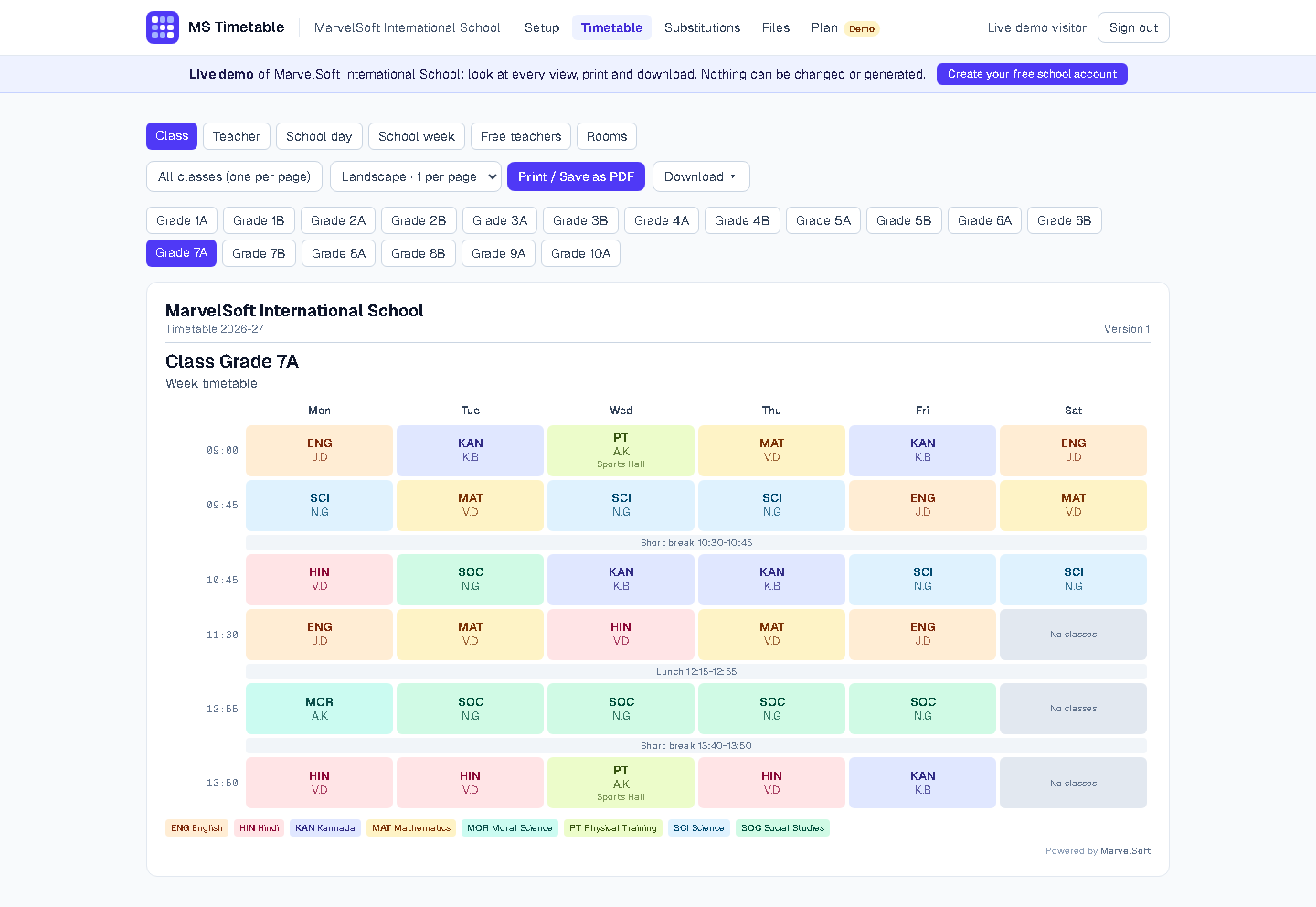
Class, teacher and whole school
Every view, ready to print
Class and teacher weeks, one or all at once, and whole-school day and week charts. Your school name and logo sit at the top of every sheet.
- Class, teacher and room timetables
- Whole-school (master) day and week charts
- Portrait or landscape, one or two to a page
Free teachers and substitutions
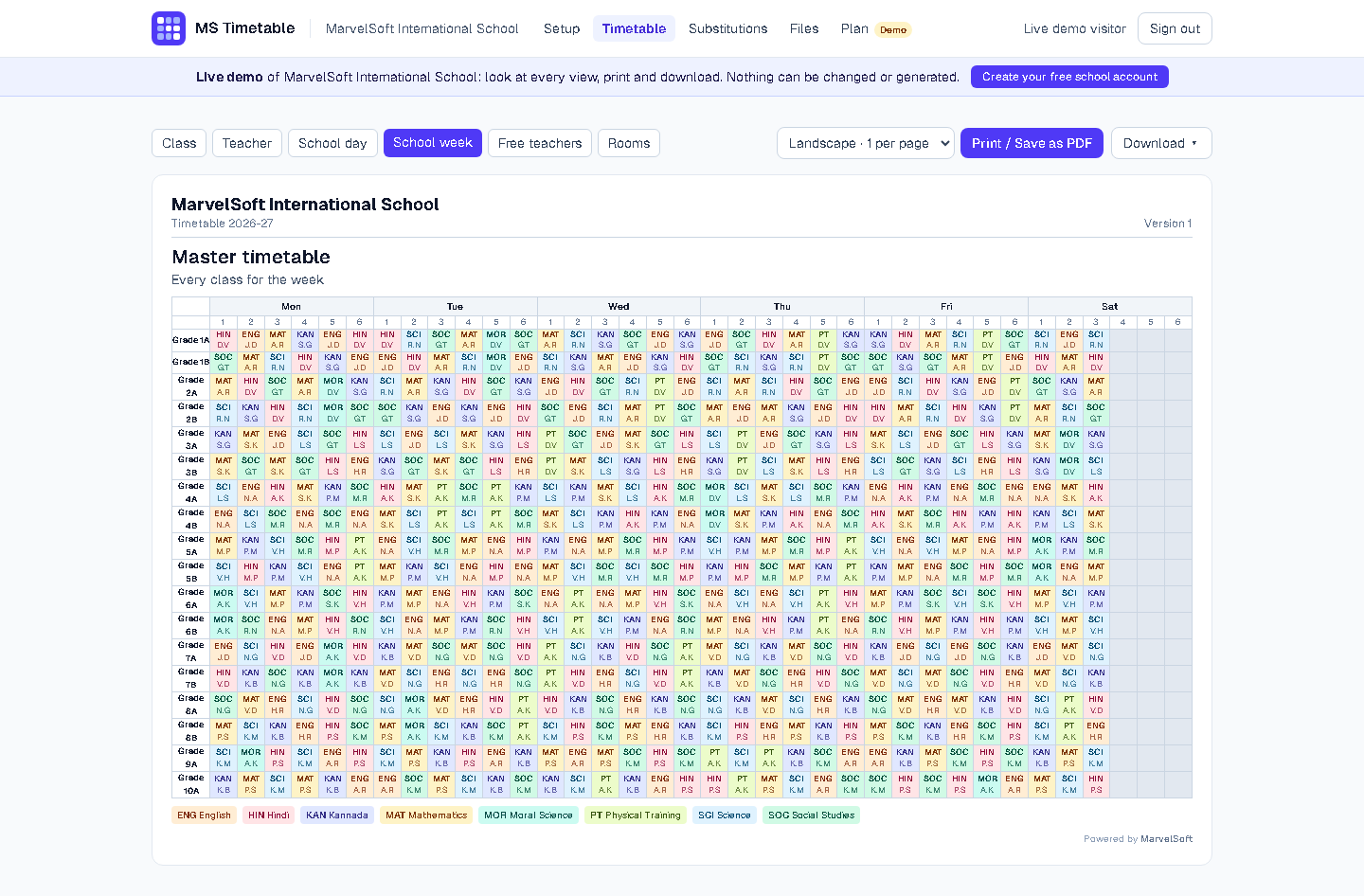
Cover an absent teacher in seconds
See who is free in every period of the day. Mark who is on leave and MS Timetable suggests substitutes, least loaded first, then prints the day's cover sheet.
- Free teachers for every period of every day
- Suggested substitutes, least loaded first
- Daily substitution sheet to print
Know why, not just that it failed
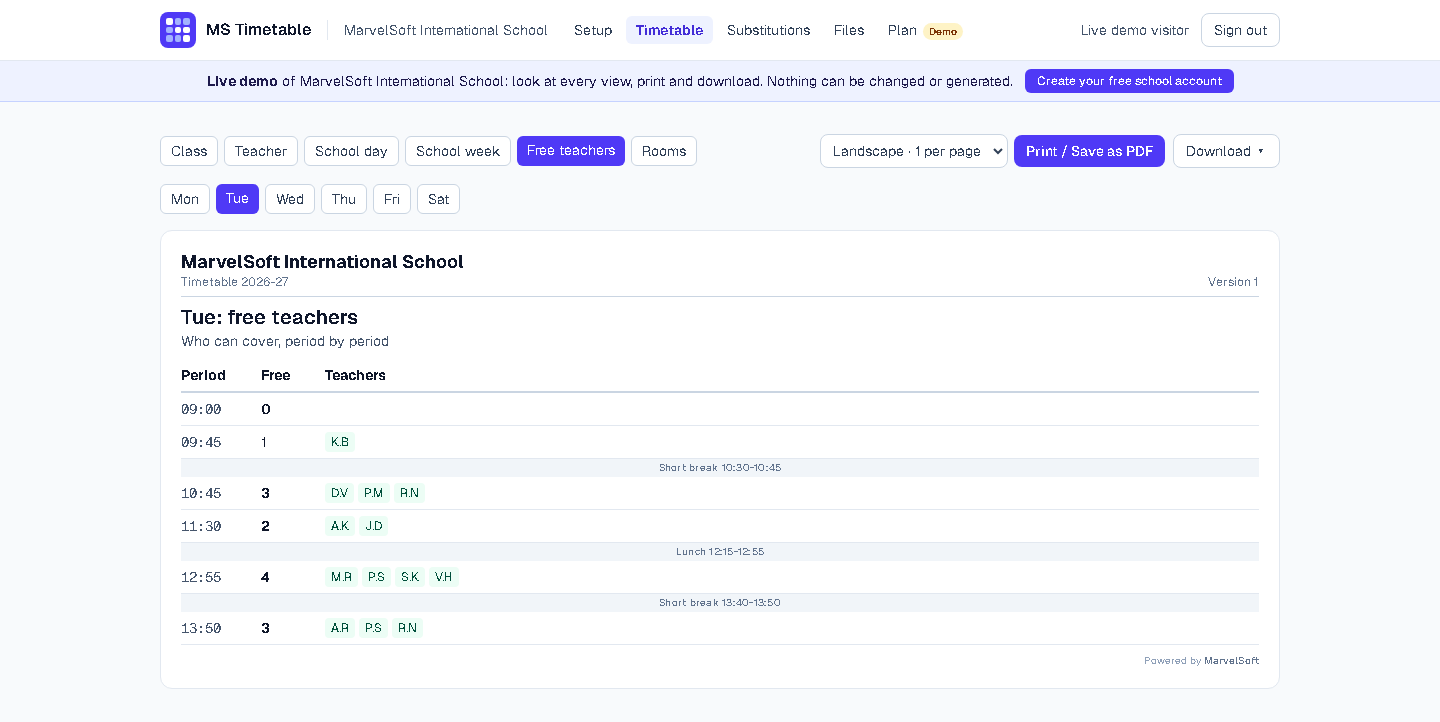
Problems found before you generate
Teacher loads and class hours are checked first, with one-click fixes. Every timetable also comes with a version B that relaxes your rules a little and lists each change, so you can compare and pick.
- Teacher loads and class hours checked
- Runs that fail do not count against your plan
- Lock the approved version so nobody replaces it by mistake
Downloads
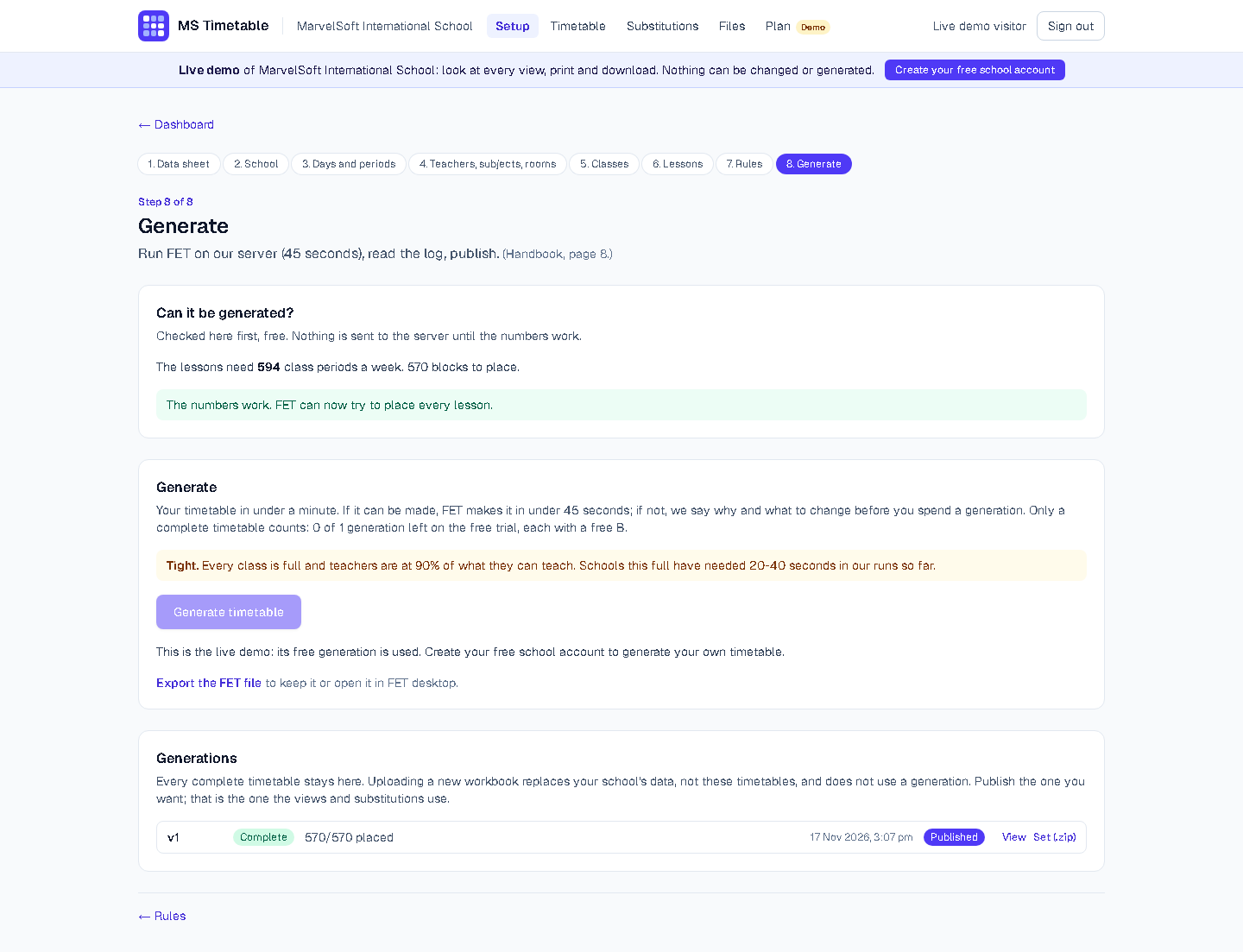
PDF, Excel and the FET file
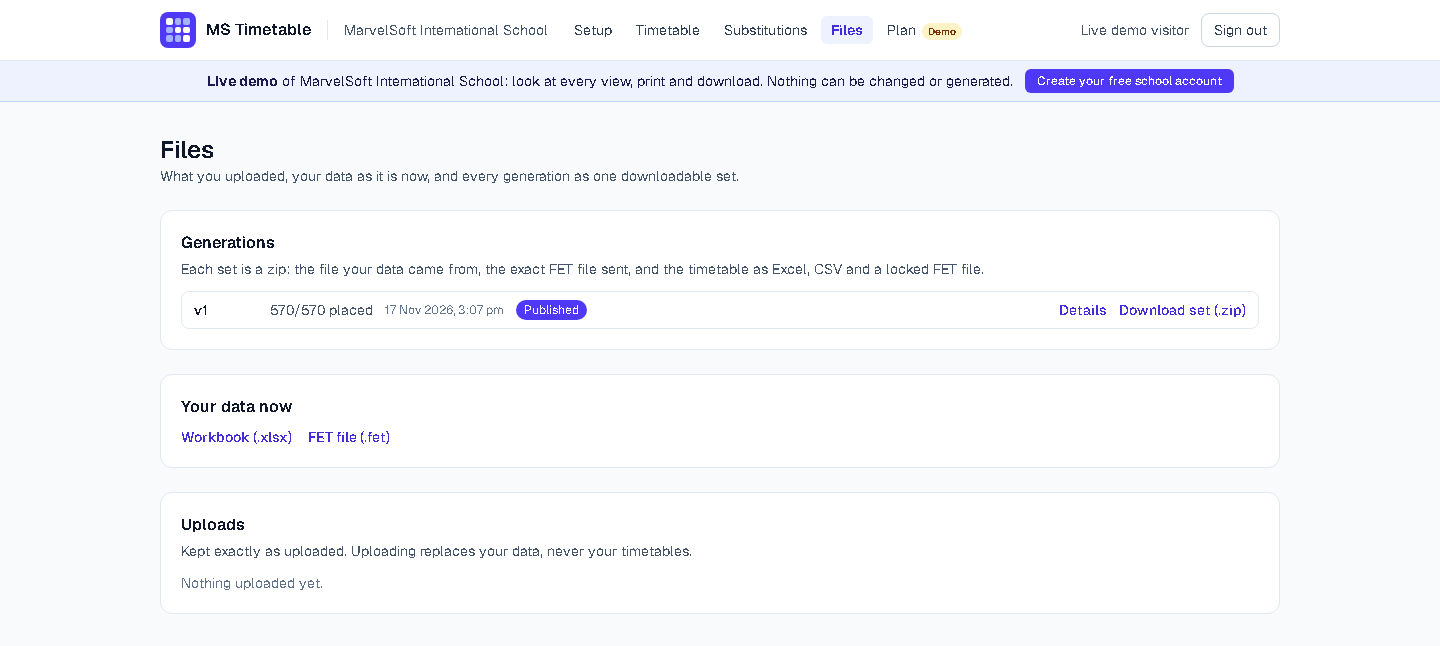
Print or save every view as PDF with your logo, download class and teacher timetables in Excel, or take the exact FET file to open in FET itself. Your data exports back to Excel at any time.
- PDF of every view, with your logo
- Excel class and teacher timetables
- The FET file, and a blank Excel template with help on every sheet
Pricing
Simple yearly price
Your first timetable is free. Pay when you are ready.
Yearly plan
₹2,000 / year
- 5 complete timetables a year, each with a free B
- All views, printing, downloads and substitutions
- Your timetables and files kept for the whole year
Need more?
₹100 for 1 more
- ₹300 for 5 more generations
- Added to your yearly plan for the rest of the year
- Pay online by card or UPI
Already run SchoolAdminCE or eKTextAI? MS Timetable works on its own: no other MarvelSoft product is needed.